
Getting started
Account security
Keep your Liivra account safe — sign-in, sessions, and looking after your details.
Last updated 2026-07-21
Your Liivra account holds your searches, applications, verification, and payment history. A few habits keep it — and you — safe.
Signing in
- Sign in with your registered email or phone. On mobile you can verify with a one-time PIN (OTP) sent to you.
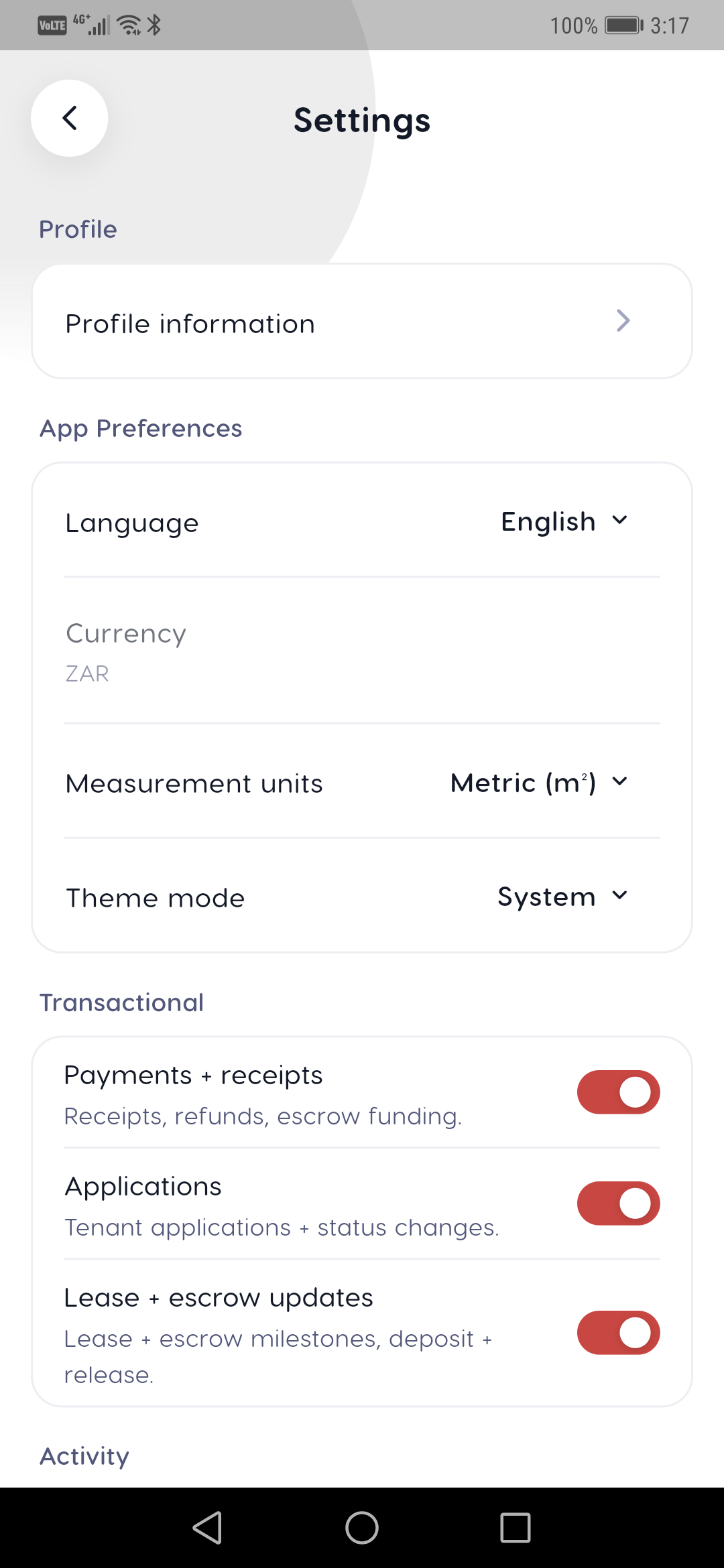
- Keep your recovery email and phone number up to date under Account → Settings, so you can always get back in.
- Sign out on shared or public devices when you're done.
Protecting your account
- Never share your OTP or password. Liivra will never ask you for a one-time PIN — anyone who does is trying to scam you.
- Keep contact and payment conversations on Liivra. We strip contact details from listings and messages precisely so bad actors can't pull you off-platform.
- If something looks off — an unexpected sign-in, a message asking for a code — report it.
Your data and sessions
- Review what Liivra holds and manage consent in your Privacy & POPIA settings, including data export and deletion.
- Your identity documents and verification are handled under consent, never shared without it.
Two-factor authentication is on our roadmap. Until it's available, the strongest protection is simple: keep your OTP private, and keep every deal on Liivra.
If you think your account has been compromised, change your access immediately and contact support so we can help secure it.
On mobile
The same screens in the Liivra iOS & Android app.