
Applications & payments
Apply for a rental
A guided rental application you complete in the app — seven steps, nine with a co-signer.
Last updated 2026-07-21
Found the place? The application walks you through everything a landlord needs, so you present as a strong, complete applicant.
The steps
The rental application is a seven-step guided flow — nine steps if you add a co-signer. It gathers, in order, the details that make your application decision-ready: who you are, your employment and income, your rental history and references, occupants, and your supporting documents, ending with a review before you submit.
Adding a co-signer (for example a guarantor) inserts their details and consent as two extra steps.
Where to apply
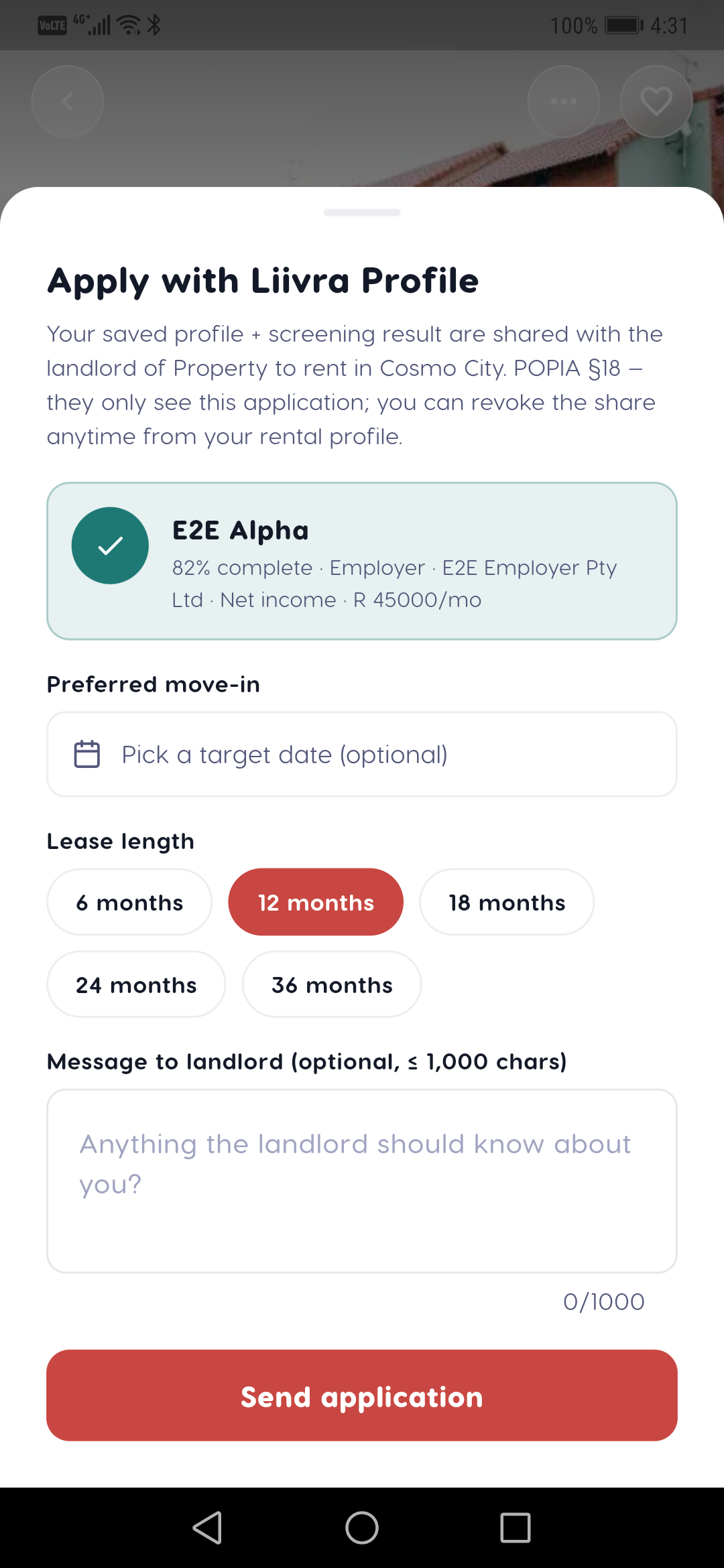
Applying is done in the Liivra app — it's designed mobile-first so you can complete it, with documents, from your phone. On the web, landlords and agents view and manage applications, but the application itself is submitted from mobile by design.
Making your application strong
- Complete every step — a full application beats a fast, thin one.
- Be ready to verify affordability: landlords may request an income check, and having your evidence handy speeds approval.
- Add references and documents where prompted; they're what move you onto the shortlist.
After you submit
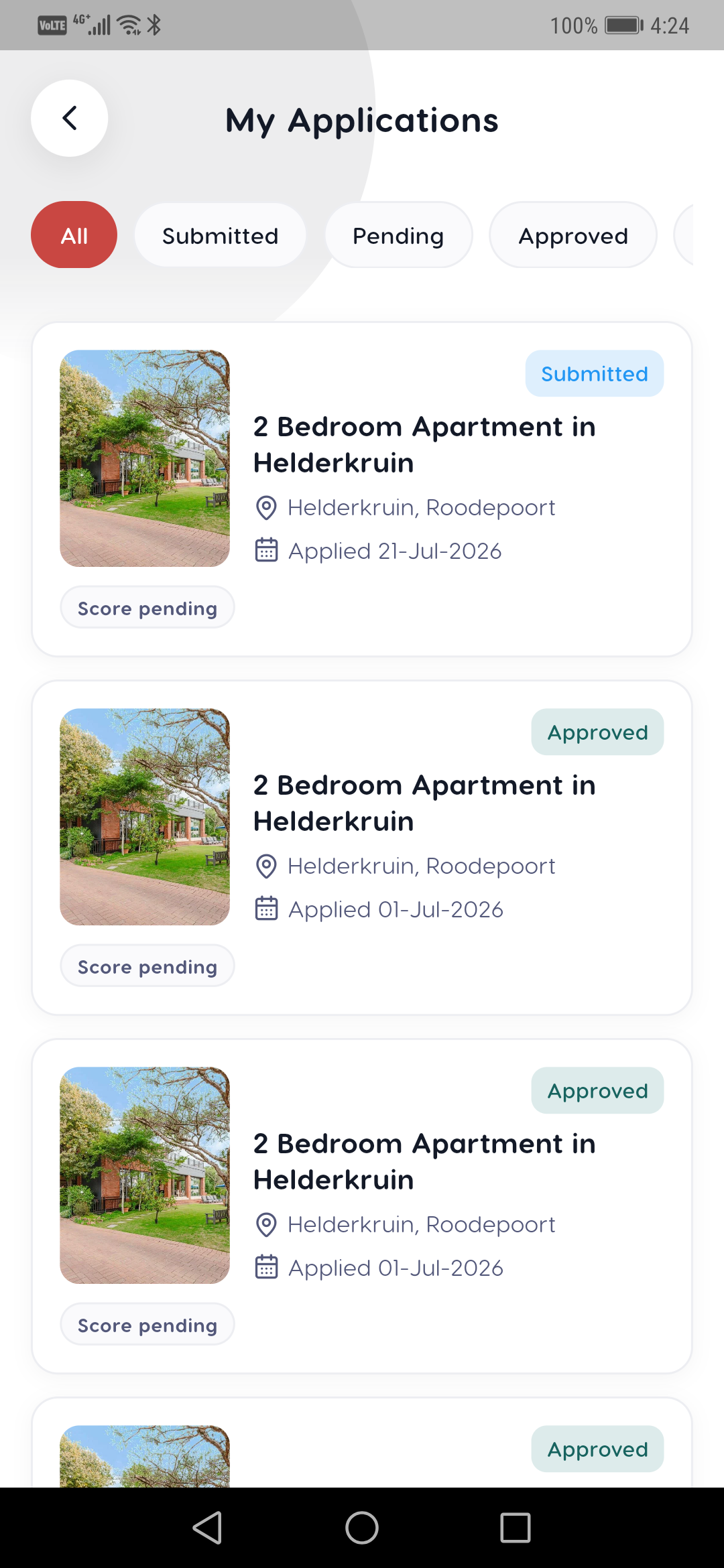
Your application goes to the landlord or agent, who may run income verification or screening (with your consent). If you're chosen, the next step is your lease.
On mobile
The same screens in the Liivra iOS & Android app.