
Applications & payments
Book & manage tours
Request a viewing, get reminders, and manage the whole schedule in one place.
Last updated 2026-07-21
Seeing a home in person is the moment that turns interest into a decision. Liivra makes booking and managing viewings simple for both sides.
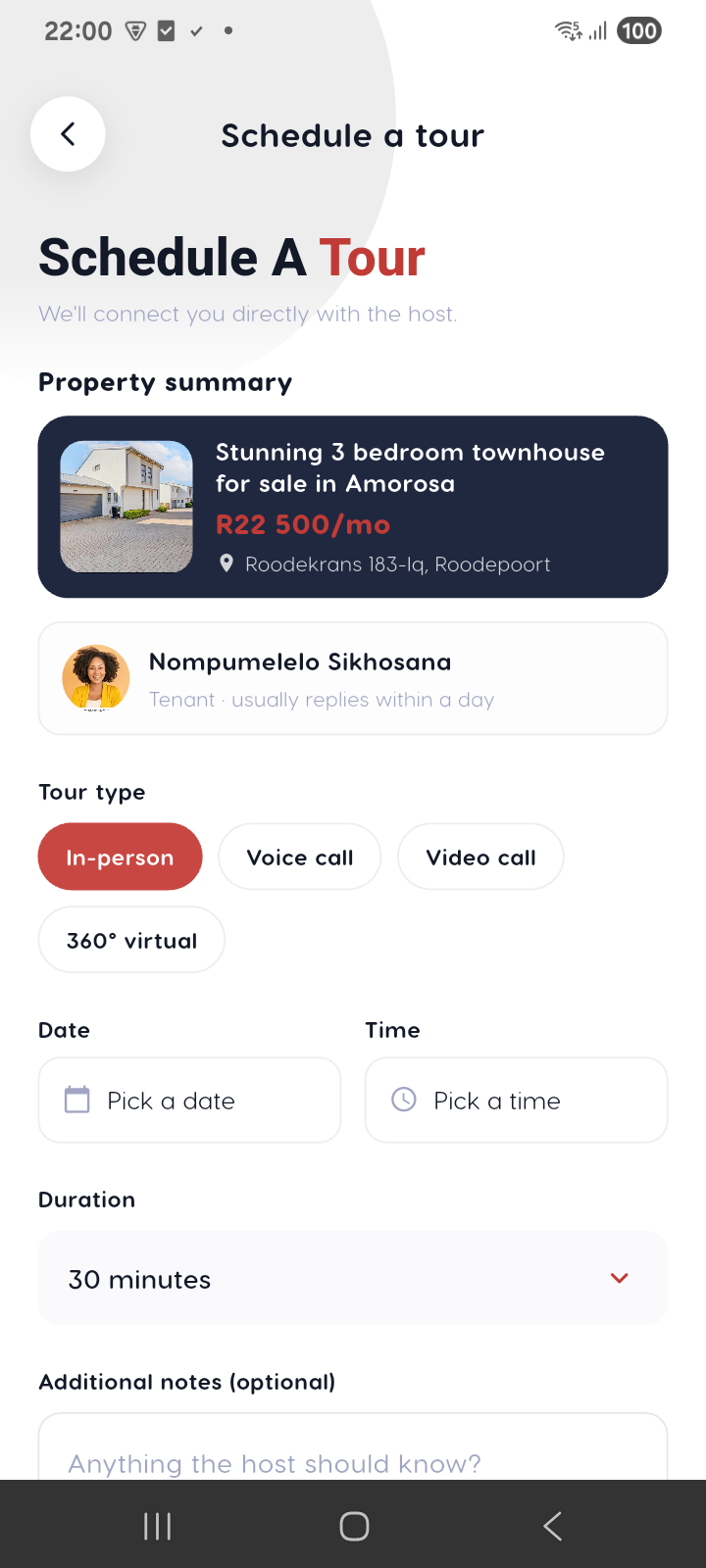
Requesting a viewing
- On a listing, tap Book a tour.
- Pick a date and time from the host's availability.
- Submit. The host confirms, and it lands in your schedule.
You can request an in-person viewing or, where offered, a virtual walkthrough of the immersive tour.
Reminders so nobody no-shows
Once a viewing is confirmed, Liivra sends reminders 24 hours and 2 hours before — to both the house-hunter and the host. Fewer missed viewings, less wasted travel.
- Reminders arrive in-app and by email.
- WhatsApp reminders are available when the host is on a Pro plan.
Managing the schedule
- Hosts see every request and confirmed viewing in one calendar and can confirm, reschedule, or decline.
- House-hunters can cancel or reschedule from the booking.
- For busy properties, run a Show Day instead of one-by-one viewings.
Set your bookable hours under host availability so requests only ever land in slots that suit you.
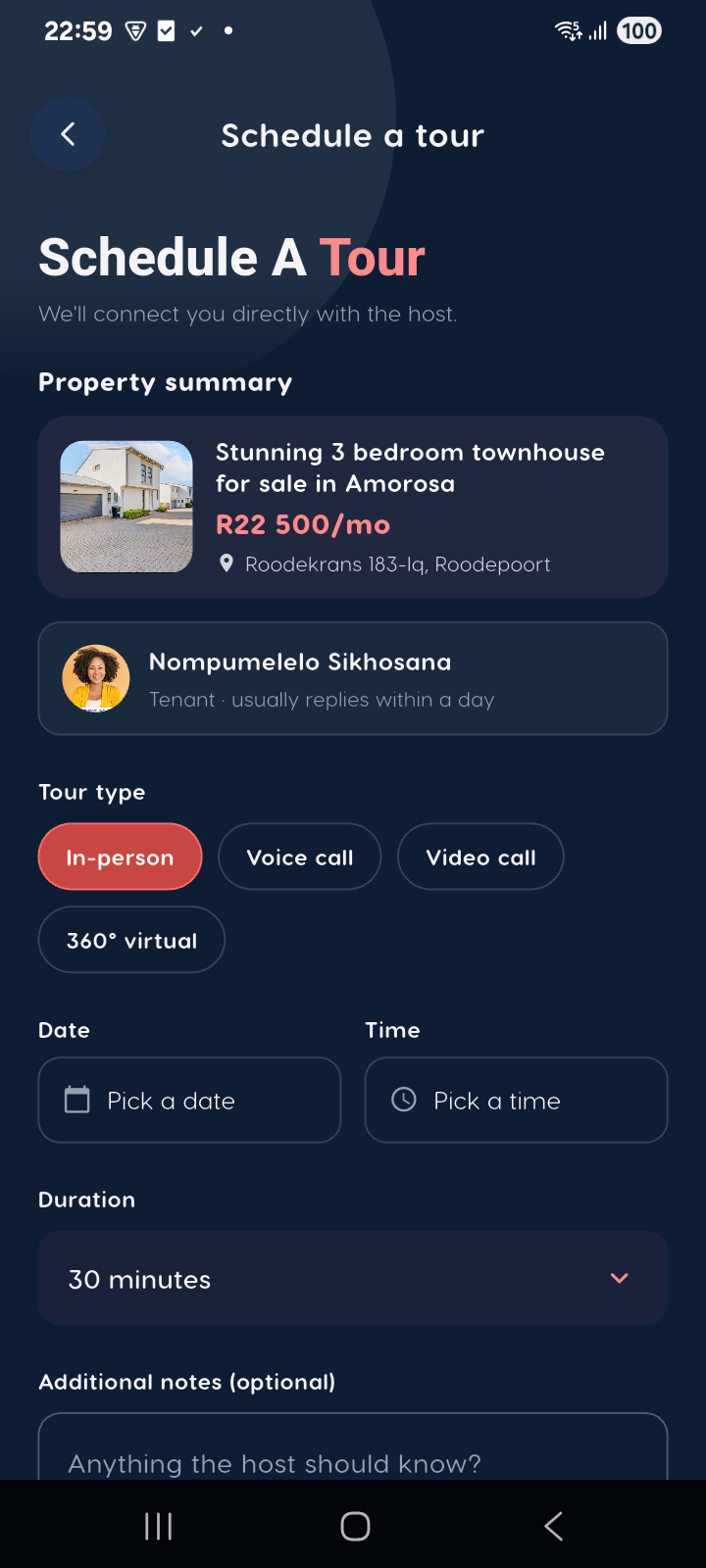
On mobile
The same screens in the Liivra iOS & Android app.