
Getting started
Create your account
Sign up in about a minute on web or mobile — your number stays private.
Last updated 2026-07-21
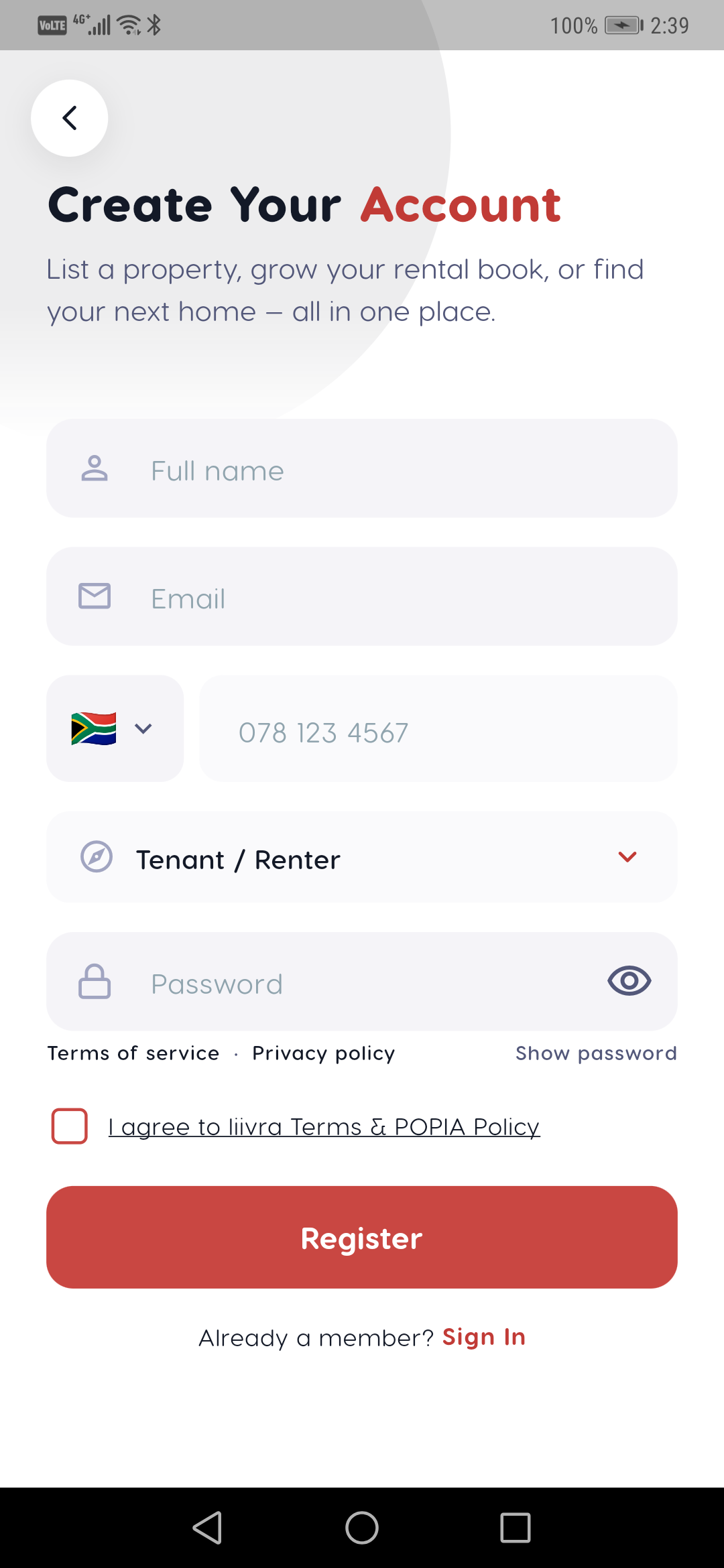
Signing up takes about a minute and works the same on the app and the website.
On the app
- Download Liivra, open it, and tap Get started.
- Enter your mobile number — we send a one-time code by SMS to confirm it.
- Add your name and pick your role. That's it — you're in.
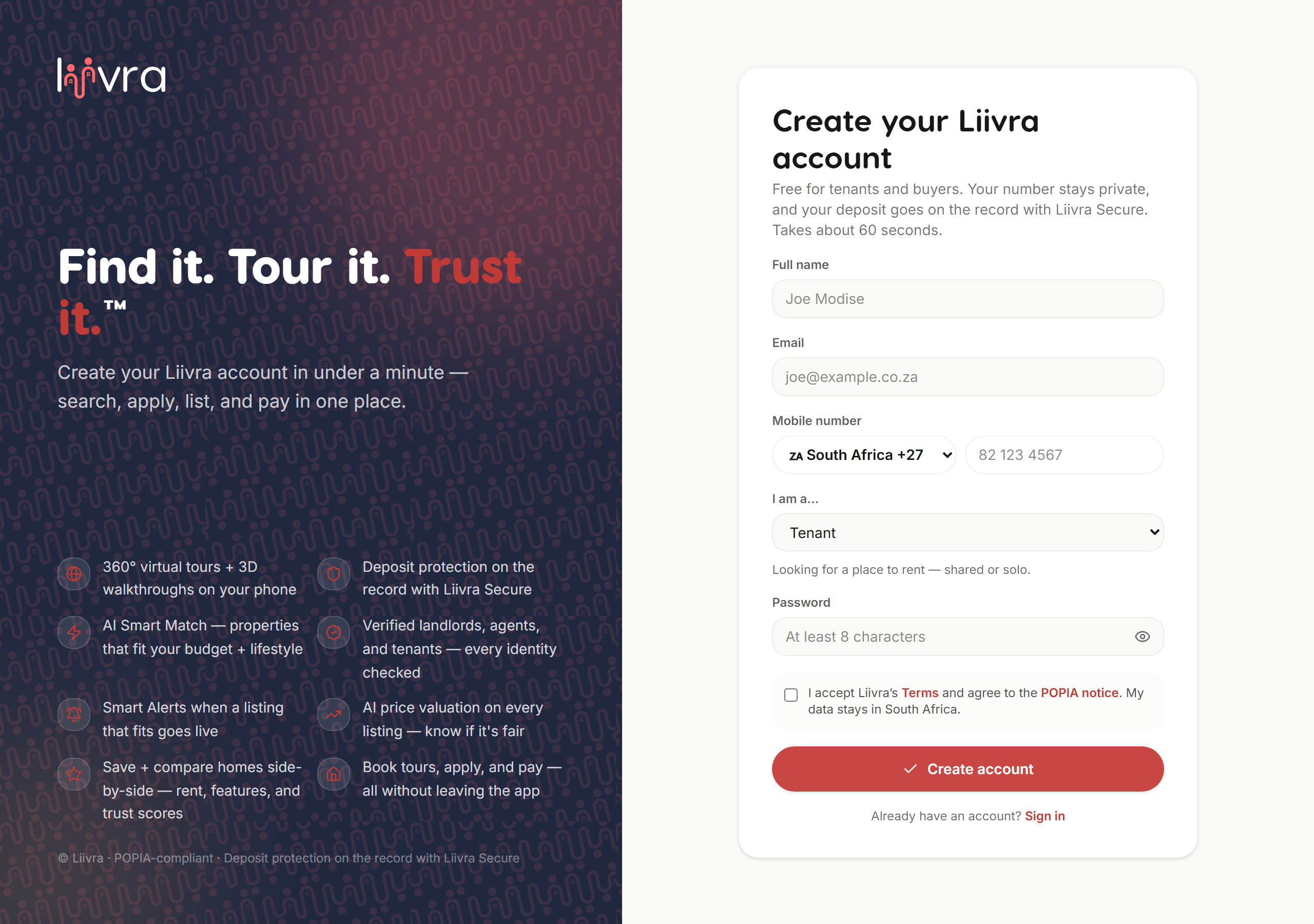
On the website
- Go to liivra.com and tap Sign up.
- Register with your email or phone; we send a 6-digit code to verify your account (valid 10 minutes).
- Choose your role and you're ready.
Your privacy
- Your phone number and email are never shown on public profiles or listings — all contact runs through Liivra.
- One login works across web and mobile.
- You can change your language any time under Profile → Settings → Language (all 11 official SA languages).
Next steps
- Looking for a home? Save your first search to get daily alerts.
- Listing a property? Create your first listing.
- Not sure which role fits? Choosing your role.
Screenshots
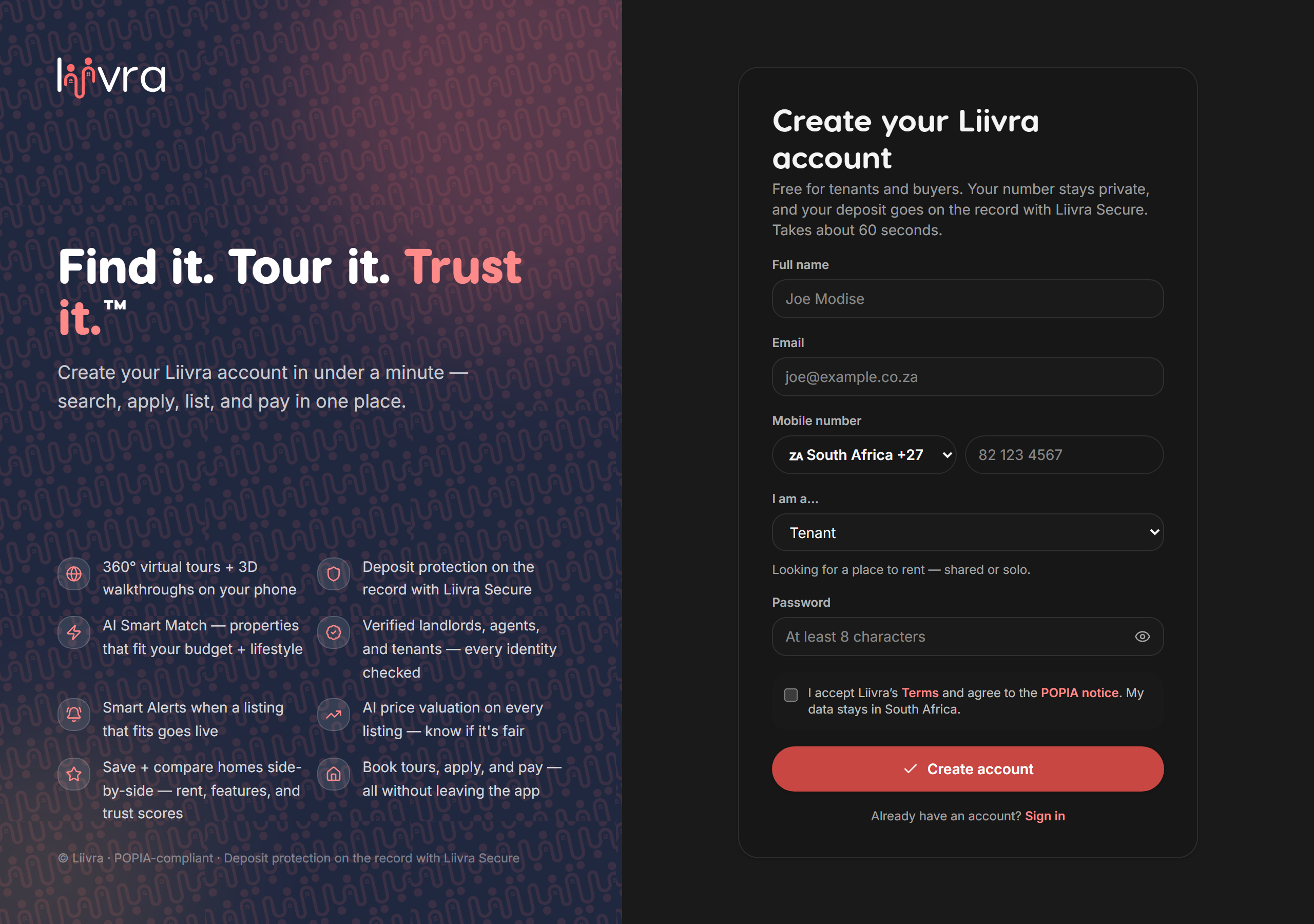
Captured from the live Liivra web app.
On mobile
The same screens in the Liivra iOS & Android app.