
Applications & payments
Making & managing offers
Make, counter and accept purchase offers — with a clear note on ECTA and how the deposit is handled.
Last updated 2026-07-21
Buying a home comes down to the offer. Liivra gives buyers, sellers and agents a structured way to make, counter and accept offers — and to move cleanly into the deposit.
Making an offer
- On a sale listing, tap Make an offer.
- Enter your price and terms.
- Submit. The seller (or their agent) sees it and can accept, decline, or counter.
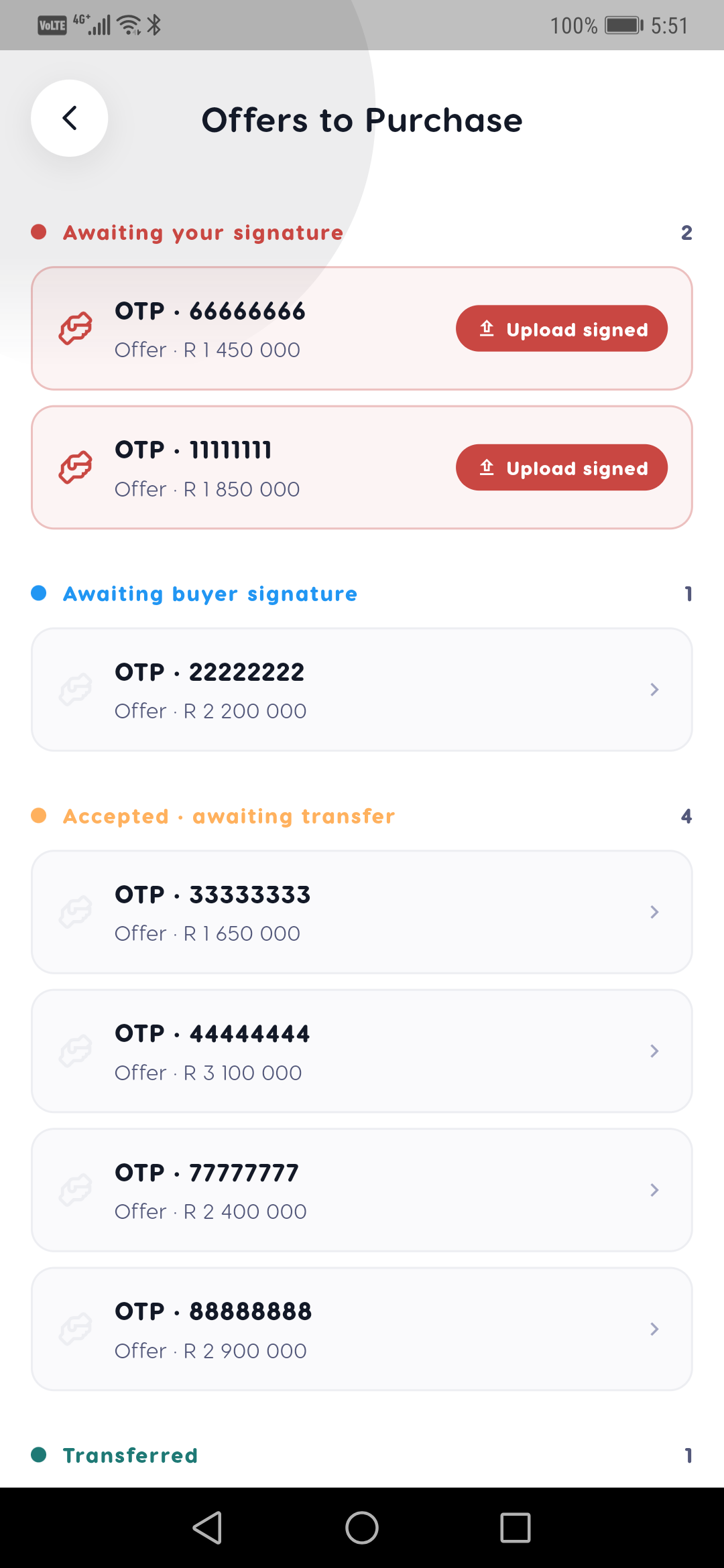
Offers and counters are tracked in one thread, so everyone sees the current state of the negotiation.
A note on signature (ECTA)
An accepted offer to purchase is a serious legal step. Under South African law, an agreement of sale for immovable property requires a wet-ink signature — it's one of the transactions the Electronic Communications and Transactions Act (ECTA) excludes from electronic signing. Liivra structures and records the negotiation, but the binding sale agreement is signed in wet ink, as the law requires.
How the deposit is handled
Once an offer is agreed, the deposit is paid to the appointed conveyancer's section-86 trust account — the standard, safe route for a property sale. Liivra doesn't hold the money; through Liivra Secure it records who holds the deposit and keeps a tamper-evident ledger, so there's a clear, verifiable trail. The money is never held loosely or paid directly to the other party before completion.
For sellers and agents
- Compare offers on their terms, not just price.
- Counter without leaving the thread.
- Keep verification in view — an offer from a fully-verified buyer carries more weight.
Screenshots
Captured from the live Liivra web app.


On mobile
The same screens in the Liivra iOS & Android app.